

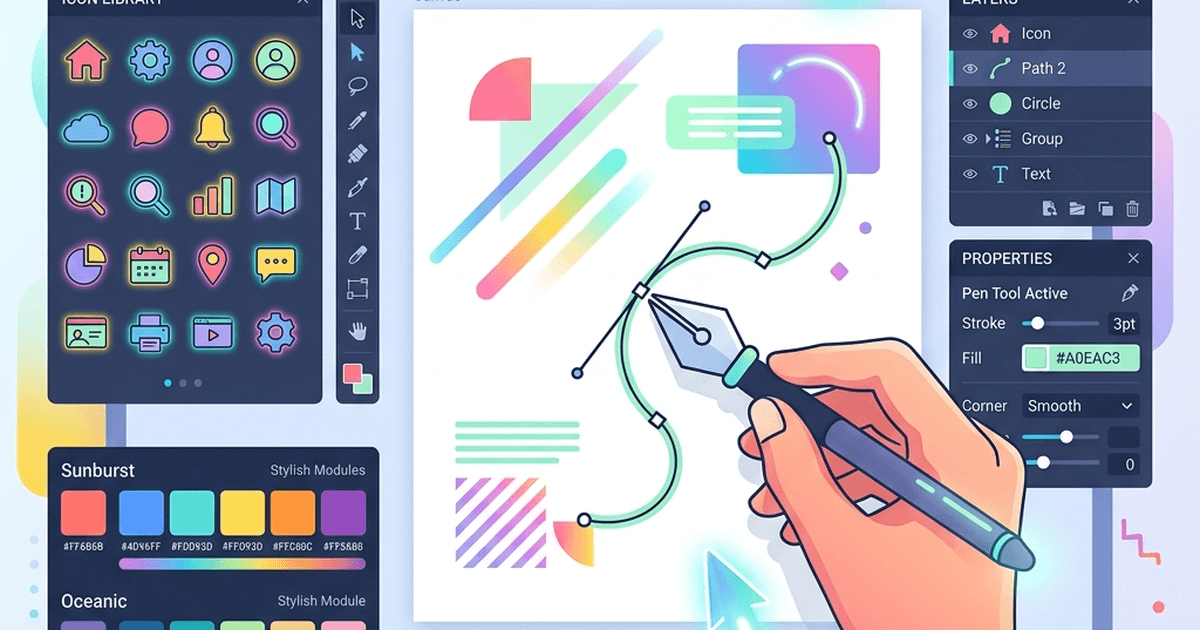
Figma recently killed its free multi-editor access, and a lot of designers I know were genuinely frustrated. ₹8,000 a year per seat just to work on a side project? That's not realistic for students and indie developers.
Personally, I switched to Penpot for most of my open-source work and haven't looked back. But depending on what you're building — whether it's UI mockups, social media graphics, or photo editing — the right tool varies. So let me lay out exactly what I use and why, so you can pick what actually fits your workflow.

Free Design Tools Comparison Table
Here is a quick overview of the top free design utilities and Figma alternatives available to creators:| Tool Name | Primary Focus | Best For | Offline Mode | Collaboration | Natively Supported Formats |
|---|---|---|---|---|---|
| Penpot | UI/UX Design | Web & app layouts | No | Yes (Real-time) | SVG, CSS |
| Pixso | UI/UX Design | Figma clone/import | No | Yes (Real-time) | Figma, Sketch, XD |
| Photopea | Raster Editing | Photoshop clone | Yes | No | PSD, XD, PDF, RAW |
| GIMP | Raster Editing | Photo manipulation | Yes (Desktop) | No | XCF, PSD, PNG |
| Inkscape | Vector Design | Custom illustrations | Yes (Desktop) | No | SVG, EPS, PDF |
| Canva | Graphic Templates | Social media assets | No | Yes (Real-time) | PDF, PNG, MP4 |

Detailed Profiles of Figma Alternatives
1. Penpot (Open-Source UI/UX Powerhouse)
Penpot has emerged as the leading open-source alternative to Figma. Built specifically for product teams, it is the first web-based design tool that runs natively on open standards (SVG and CSS).2. Pixso (The Direct Figma Clone)
If you are looking for a tool that mimics Figma's interface and shortcut keys exactly, Pixso is the best choice.3. Photopea (The Browser-Based Photoshop)
Photopea is a web utility that acts as a complete replacement for Adobe Photoshop. It runs entirely inside your browser using local system memory.4. Inkscape (Open-Source Vector Editor)
Inkscape is a mature, free vector graphics editor available for Windows, Mac, and Linux. It is widely used for creating logos, icons, and custom diagrams.5. Canva (The Template King)
If you don't need detailed UI prototyping and just need quick social media cards, blog headers, or presentation slides, Canva's free plan is unmatched.Frequently Asked Questions (FAQs)
#### Can I import my Figma files into Penpot? Yes. Penpot includes an importer that supports Figma files. However, due to differences in proprietary formatting, complex auto-layouts and custom component structures might require minor adjustments after importing.
#### Is GIMP better than GIMP web tools? GIMP is a desktop application that must be installed on your computer. It is much more powerful for heavy photo manipulation and scripting than simple browser tools. For quick online raster edits, Photopea is usually more convenient.
#### Do these free tools sell my private design data? Open-source tools like Penpot and Inkscape run locally or under audited privacy policies with zero tracking. Free commercial plans (like Canva or Pixso) make money by upselling premium features and templates to team accounts, rather than selling user assets.